
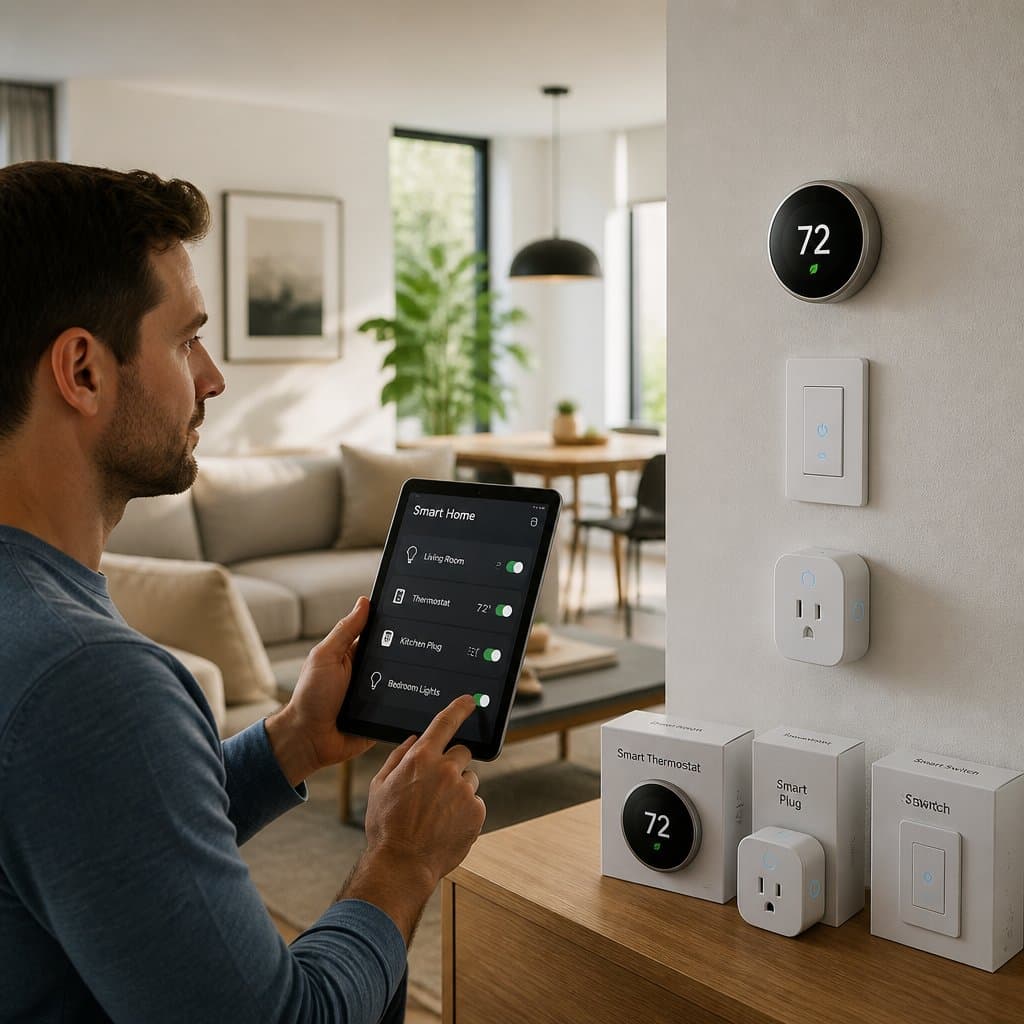
Smart home tech can make life easier, safer, and more efficient, but the wiring behind your walls still does the real work. If your home isn’t ready for these upgrades, you might run into unreliable performance, breaker trips, or some costly surprises.
Before installing smart electrical devices, pay attention to your home’s electrical system, wiring layout, and device compatibility—not just the fancy gadgets themselves. A bit of planning upfront can save you headaches, money, and maybe even keep your family safer.
If you’re in the Sacramento area, it makes sense to look at the whole picture before you start adding smart home devices or making home upgrades. A licensed electrician can spot issues early, recommend the right updates, and make sure the work meets safety standards.
Key Takeaways
- Check your electrical system before buying devices.
- Match smart products to your wiring and load.
- Plan ahead for safety, reliability, and future growth.
Check Your Home’s Electrical Readiness First
Before adding smart devices, start with the basics: your panel, wiring, and grounding. A device might look simple on the shelf, but your home may need a closer look to make sure it can handle the extra load and features safely.
How Older Wiring Can Affect Smart Device Performance
Older homes around Sacramento, Roseville, Citrus Heights, and Fair Oaks often have wiring that just wasn’t built for today’s tech. That can mean weak connectivity, flickering lights, random resets, or devices that just don’t respond right.
If you’ve got aging circuits, loose connections, or outdated materials, smart switches and outlets might not work reliably. A licensed electrician can check things out and figure out if the problem is the device, the wiring, or both.
Why Breaker Panel Capacity Matters
Your breaker panel needs to handle all the loads you already have, plus anything new you want to add. If it’s near capacity, even a small change can cause annoying trips or limit what you can safely install.
A 200A panel is common, but panel size alone doesn’t tell the whole story. Electricians look at the real electrical load, not just the sticker on the panel, so you get honest advice before adding more devices.
When Rewiring Becomes Necessary
Sometimes, the old system just can’t support safe, reliable operation or meet code. That comes up during renovations, repeated breaker issues, or when you want to add lots of connected devices.
If your home needs rewiring, let professional electricians handle it from the start. You’ll get a safer foundation for your smart home and avoid patchwork fixes later.
Understand Wiring Requirements Before You Buy
Smart controls aren’t one-size-fits-all, and the wiring behind your walls really decides what will work. A quick check now can save you from buying the wrong switches, outlets, or lighting controls.
Neutral Wire Basics for Smart Controls
A lot of smart switches need a neutral wire for their electronics, even when the light’s off. If your switch box doesn’t have a neutral, some models just won’t work unless you change the wiring.
This matters a lot in older homes and remodels. Before you buy, open the box carefully or ask an electrician if the neutral’s there and right for the device you want.
What Smart Switches and Dimmers Need
Smart switches and dimmers usually need more room, better connections, and compatibility with the bulbs or fixtures they control. Some are built for voice control or automation, others work best with certain types of fixtures or loads.
Smart lighting works best when the switch, dimmer, and bulb all match. If you want reliable voice control, check the product’s wiring needs and make sure your home can handle them before you start.
How Junction Boxes and Box Space Can Limit Upgrades
Even if the wiring is compatible, junction boxes can be too small or crowded. Tight space makes it tough to fit smart switches, splice wires safely, or keep heat under control.
This gets tricky in older homes. An electrician can tell you if the box needs to be bigger or replaced so the install stays safe and tidy.
Plan for Load, Circuits, and Device Compatibility
Some smart devices barely draw power, while others affect whole circuits or major equipment. Thinking through dedicated circuits, device size, and compatibility helps your home run smoothly and avoids shutdowns.
When Dedicated Circuits Are Needed
Dedicated circuits are best for equipment that runs a long time or needs more power. A smart thermostat doesn’t usually need much, but bigger systems might need their own circuit.
If you’re adding appliances, charging gear, or new monitors, circuit planning matters. A same-day service visit from AAA Electrical Services can help figure out if the existing circuit is enough or if you need a new one.
High-Demand Devices That Change the Plan
Security systems, cameras, video doorbells, smart locks, and EV chargers all affect your power and wiring plan. Some need little power, but others need a stronger setup or careful placement.
Smart thermostat wiring can also vary by brand and system. It’s safest to match the device to your home’s electrical capacity, not the other way around.
Avoiding Overloads and Nuisance Breaker Trips
Cram too many devices on the same circuit and you’ll get breaker trips, dimming lights, or spotty performance. That’s extra annoying if your home already has heavy loads.
An electrician can trace the circuits, test the load, and suggest what to do next. That troubleshooting keeps things safe and your system reliable long-term.
Build a Reliable Backbone for Connected Devices
Wi-Fi lets smart devices talk, but the best setups still need a solid wired foundation. Good automation hubs, low-voltage planning, and smart home wiring make your system faster, steadier, and easier to expand later.
When Wi-Fi Alone Is Not Enough
Wi-Fi works for lots of plug-in devices, but it’s not always dependable everywhere. Thick walls, distance from the router, and interference can all mess with performance, especially in bigger or multi-level homes.
That’s where a better backbone helps. If you want steady control from Alexa, app-based controls, or automation hubs, wiring support makes things smoother.
Where Cat6 and Low-Voltage Runs Help Most
Cat6 is great for devices that need a stable data link—cameras, hubs, some control panels. Low-voltage runs help where wireless is weak or where you want a cleaner, more reliable setup.
If you’re remodeling, pre-wiring can save headaches later. If you’re opening walls anyway, think about smart home wiring, future devices, and maybe conduit to protect the runs.
Choosing Locations for Hubs and Controllers
Automation hubs work best when they’re where they can reach the devices you use most. Central spots, utility areas, or near network gear are usually good.
Think about future maintenance too. A well-placed hub is easier to service, which keeps your system dependable if you need repairs or tweaks down the road.
Protect the System and Meet Code
Smart devices need protection from voltage spikes, grounding problems, and installation mistakes. Following electrical codes isn’t just about passing inspection—it keeps your family safe and your system dependable.
Why Grounding and Surge Protection Matter
Proper grounding lets electrical faults travel safely, cutting shock risk and protecting equipment. Surge protection adds another layer, shielding sensitive devices from voltage spikes caused by storms or utility issues.
That’s a big deal for smart home devices, cameras, hubs, and lighting controls, which can be sensitive to damage. Solid grounding and good surge protection can save you from failures and pricey replacements.
How Licensed Electrical Work Reduces Risk
Licensed electricians know how to install smart devices without hidden hazards. They also know when a circuit, box, or panel needs fixing before the device goes in.
Working with licensed electricians gets you clear advice, code-aware installation, and a cleaner finish. In Sacramento, Elk Grove, Rancho Cordova, and nearby, that kind of work really pays off.
What Permits and Code Compliance Help Prevent
Electrical codes help prevent fires, shocks, and other problems. Permits and inspections check that the work was done right and the installation is safe for daily use.
If you’re doing bigger upgrades or changing wiring, code compliance protects your home value and your family. It also helps avoid issues if you remodel again, sell, or expand the system.
Future-Proof Smart Upgrades During Remodels
Remodels are the perfect time to future-proof your home. With walls open, you can add pre-wiring, conduit, and other smart upgrades that make expanding later much easier.
Best Times to Add Pre-Wiring and Conduit
The best time to add pre-wiring is before the drywall goes up. That’s when you can make space for smart home wiring, low-voltage runs, and conduit without extra hassle later.
If you’re already updating a kitchen, suite, attic, or garage, plan for future expansion now. That gives you more flexibility if you add devices, an EV charger, or new automation features down the line.
Planning for Automated Window Coverings and Security
Automated blinds and shades work best when wiring and power locations are planned early. Security systems and cameras also benefit from early planning, especially if you want clean routing and strong connectivity.
Thoughtful pre-wiring now can make future upgrades painless—no need to open finished walls again.
Leaving Room for Future Expansion
It’s easier to future-proof when you leave extra space in panels, boxes, and pathways. That means room for conduit, spare breaker capacity, and spots for future devices you might want later.
A flexible plan keeps your home ready for changing tech. Whether you’re in Natomas, Folsom, Auburn, or Carmichael, building in flexibility now makes upgrades faster, safer, and less stressful.
Frequently Asked Questions
How do I know if my home’s wiring and electrical panel can handle smart devices?
Start with a quick look, then ask a licensed electrician to check the panel, circuit load, and wiring. If you have frequent breaker trips, old wiring, or a full panel, get a full inspection before buying more devices.
Do smart electrical devices still work if the internet or Wi‑Fi goes down?
Most keep basic local functions, but app control, voice features, and remote access may stop if the network’s down. For dependable performance, pick devices with local control and make sure key functions still work manually.
What safety and code requirements should I check before installing smart switches, outlets, or breakers?
Check for proper grounding, box fill, device ratings, and any local code requirements. If you’re changing wiring, circuits, or the panel, you might need permits and a licensed electrician.
How can I protect my smart electrical devices from hacking and keep my privacy secure?
Use strong passwords, update firmware, and put smart devices on a secure network with good router settings. Buy reputable products, limit unnecessary app permissions, and turn off features you don’t use.
Which smart electrical devices deliver the most value and are worth buying first?
Smart thermostats, lighting, video doorbells, and security cameras are common first upgrades—they boost comfort, visibility, and energy savings. If you care about safety and reliability, start with devices that fit your existing wiring and don’t need major changes.
Why do some homeowners choose to limit or avoid smart home tech, and what are the tradeoffs?
A lot of homeowners just aren't that into loading up their houses with connected gadgets. Maybe it's the hassle of keeping everything updated, or maybe they're tired of juggling endless apps. There's also that nagging feeling about privacy—who's watching, who's listening? And let's not forget the headaches when the Wi-Fi cuts out. Of course, by skipping out on all this tech, you do lose some of those little perks—like tweaking the thermostat from bed or automating the lights so you never come home to a dark house. It's a tradeoff, and honestly, not everyone thinks the convenience is worth the baggage.