You’ll save yourself a headache if you plan your home office electrical setup before grabbing that shiny new monitor, printer, or docking station. The smartest upgrades start with your real power needs, your current wiring and panel capacity, and how you want your desk laid out for safety and convenience. When you think about electrical work with your daily routine, device load, and future growth, you make your workspace safer and easier to use.
That matters whether you’re working in a spare bedroom in Sacramento, a corner in Elk Grove, or a finished garage in Roseville. Small choices—outlet placement, surge protection, lighting, network connections—can really impact comfort, productivity, and how reliable your setup feels over time. Most people don’t realize how much.
Key Takeaways
- Size the setup for every device you use now.
- Check wiring, panel capacity, and warning signs early.
- Use proper outlets, protection, and lighting for safety.
Start With Your Power Demand
Before you change anything, check the electrical needs of your whole workspace. A laptop barely sips power, but a full workstation with multiple monitors, printers, networking gear, and comfort gadgets can push a circuit much harder than you might expect.
List Every Device And Its Power Requirement
Write down everything that’ll plug in: computers, monitors, printers, networking stuff, phone chargers, lamps—anything that runs during your workday.
If you rely on solid internet for calls, uploads, or cloud work, don’t forget the modem, router, and any other network gear. Space heaters especially deserve a spot on the list—they can hog a ton of power on the same circuit as your work setup.
Calculate The Total Electrical Load
Now that you know what’s in play, estimate the total electrical load. This helps you see if your electrical planning is realistic or if the circuit is already close to maxed out.
Think about what might run at the same time, not just what you own. Two monitors, a desktop, printer, and lamp can add up—throw in a space heater or laser printer and you’re really stacking the load.
Plan For Future Office Equipment
You might not need the biggest setup now, but future upgrades matter. If you expect to add a second computer, bigger displays, faster networking, or more office gear later, plan for that growth up front.
It’s just easier to plan ahead than to rip things out in a year or two. Plus, it gives you more flexibility if your office expands or moves into a new room—say, in Fair Oaks, Folsom, or anywhere else around Sacramento.
Check Whether Your Existing Electrical System Can Support It
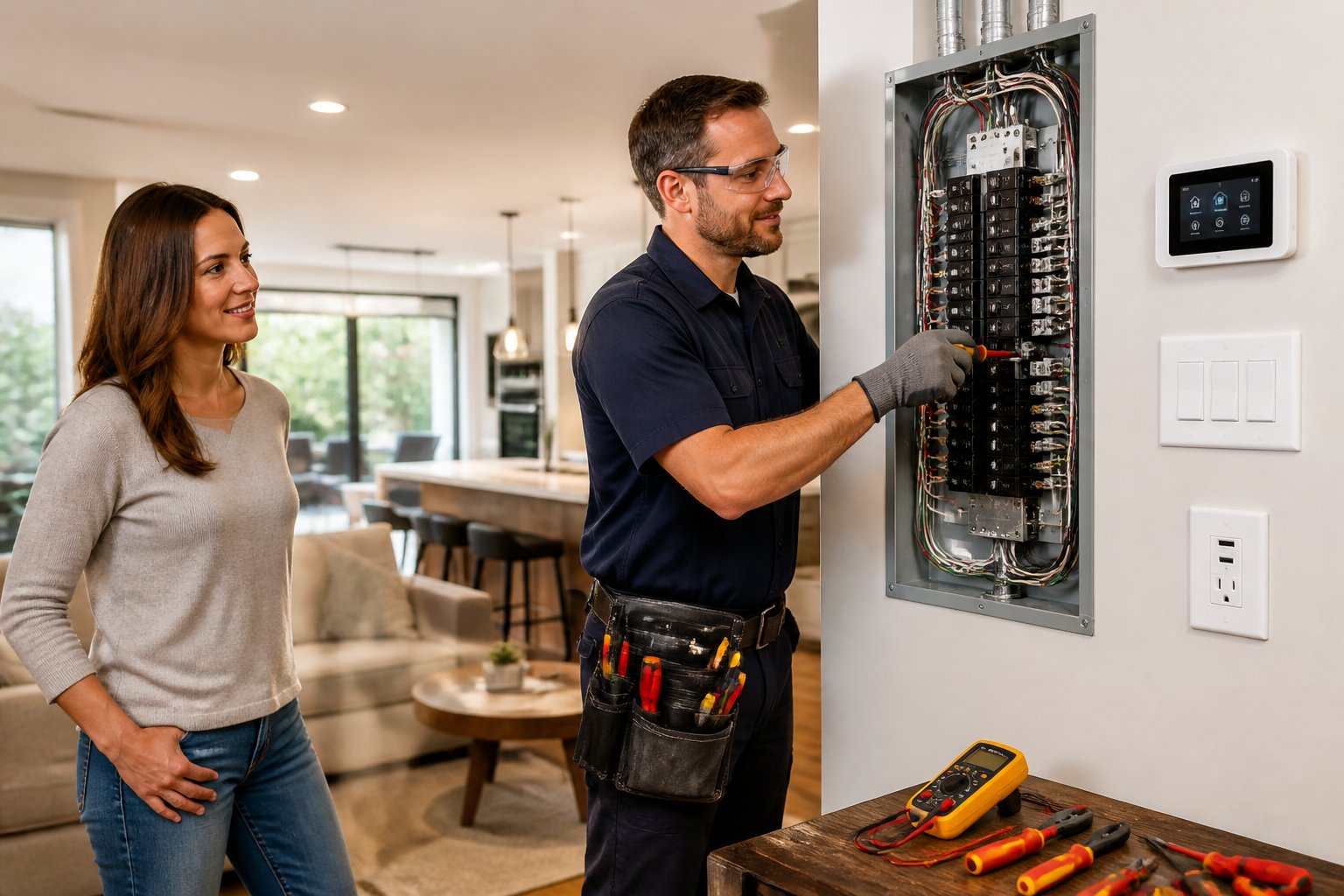
Your wiring and panel need enough capacity for the new load, and they need to be in decent shape. Old wiring, loose connections, and overloaded outlets can cause breaker trips, warm outlets, and even fire hazards if you ignore them.
Know When Existing Wiring Is Not Enough
If your office is in an older house, the wiring might not be sized for modern gear. Loose outlets, dimming lights when things start up, or overheating are all red flags that you’re probably pushing things too far.
Watch out for extension cords doing the job of real wiring. That’s a sign you need new circuits or a dedicated circuit instead of forcing one outlet to do too much.
Watch For Breaker Trips And Other Warning Signs
Breaker trips are a dead giveaway that your electrical load is too high. Other warning signs: buzzing outlets, warm outlets, scorch marks, or power cutting out when you start a printer or heater.
If you spot these, don’t ignore them. It’s smart to get an electrical inspection from a licensed electrician before you add more equipment. AAA Electrical Services can usually get you answers quickly.
Understand When A Panel Upgrade May Be Needed
A panel upgrade might be on the table if your current electrical panel can’t handle new circuits or the load you want. That’s especially true if you’re adding a dedicated circuit for heavy-use equipment, an EV charger, generator, or other big upgrades.
A licensed electrician can tell you if you need a panel upgrade, new circuits, or just a few repairs. The right call should prevent overheating and keep your home safe for years.
Plan Outlet Placement Before You Set Up The Desk
Outlet placement affects safety, convenience, and how tidy your workspace looks. Good planning cuts down on extension cords, overloaded strips, and messy cables everywhere.
Place Electrical Outlets Where Devices Actually Need Power
Think about where you’ll put your desk, printer, charging station, and network gear before work starts. Outlets should be close enough to reach your devices without stretching cords or making clutter.
If your workspace has multiple zones, put outlets where each zone needs them. That makes your setup easier to use and safer day to day.
Add Outlets Instead Of Relying On Extension Cords
It’s usually smarter to add outlets than to lean on extension cords. Extension cords are fine for short-term fixes, but not for a permanent office.
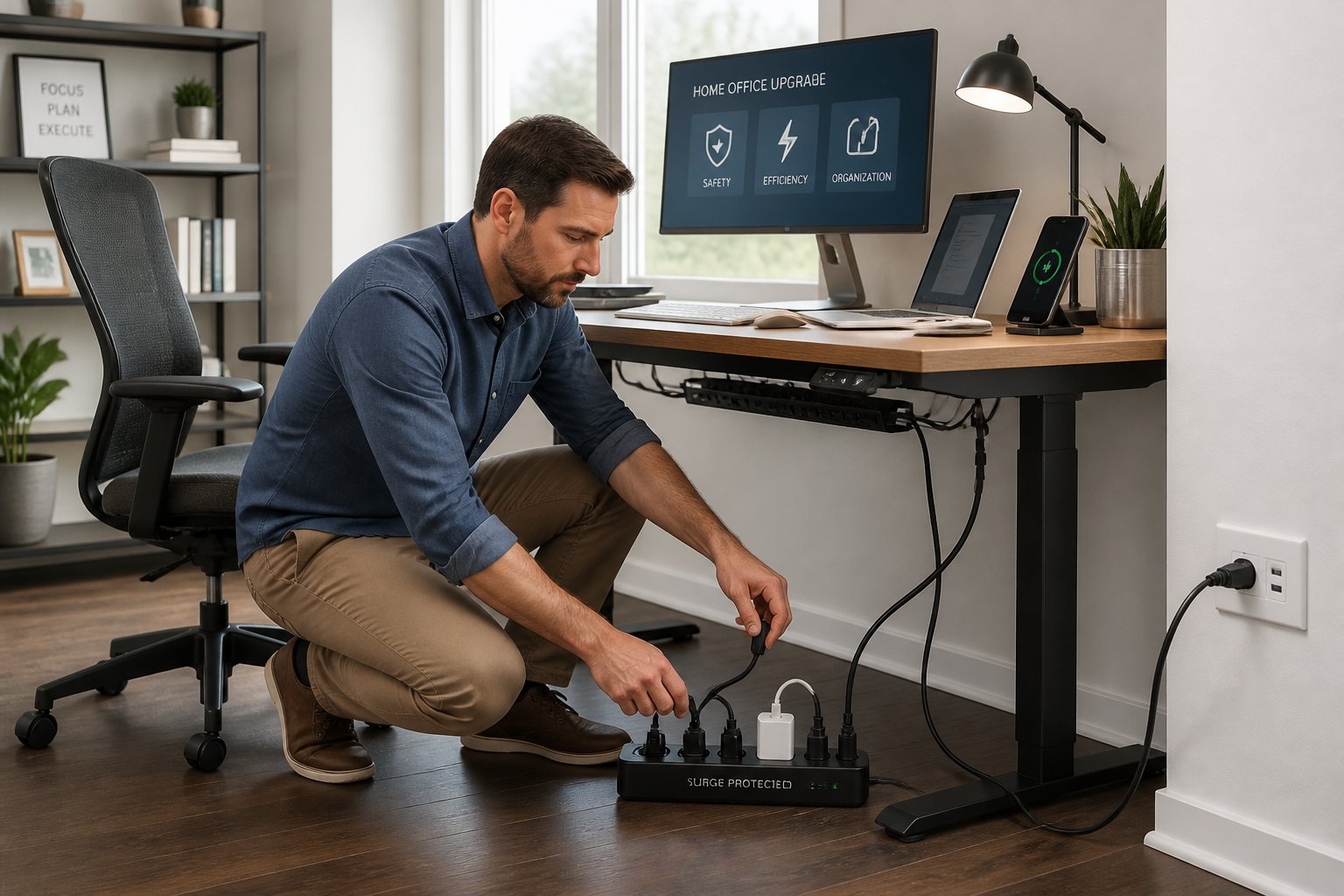
Power strips can help organize things, but they’re not a solution for too few outlets. If you’re juggling multiple strips, it’s probably time to talk with a licensed electrician about adding outlets or circuits.
Consider USB Ports And Ethernet Ports For Convenience
Built-in USB ports help cut down charger clutter, and ethernet ports let you use wired connections for more stable performance. That’s a big deal for dependable calls, uploads, and big file transfers.
Wired connections can also save you if your Wi-Fi is spotty in parts of the house. In a lot of Sacramento-area homes, that simple upgrade can make the office feel way more professional.
Protect Equipment And Reduce Everyday Safety Risks
Sensitive electronics need more than a basic power strip. Good surge protection, backup power, and smart cord habits help protect your gear and lower safety risks.
Choose Real Surge Protection For Sensitive Electronics
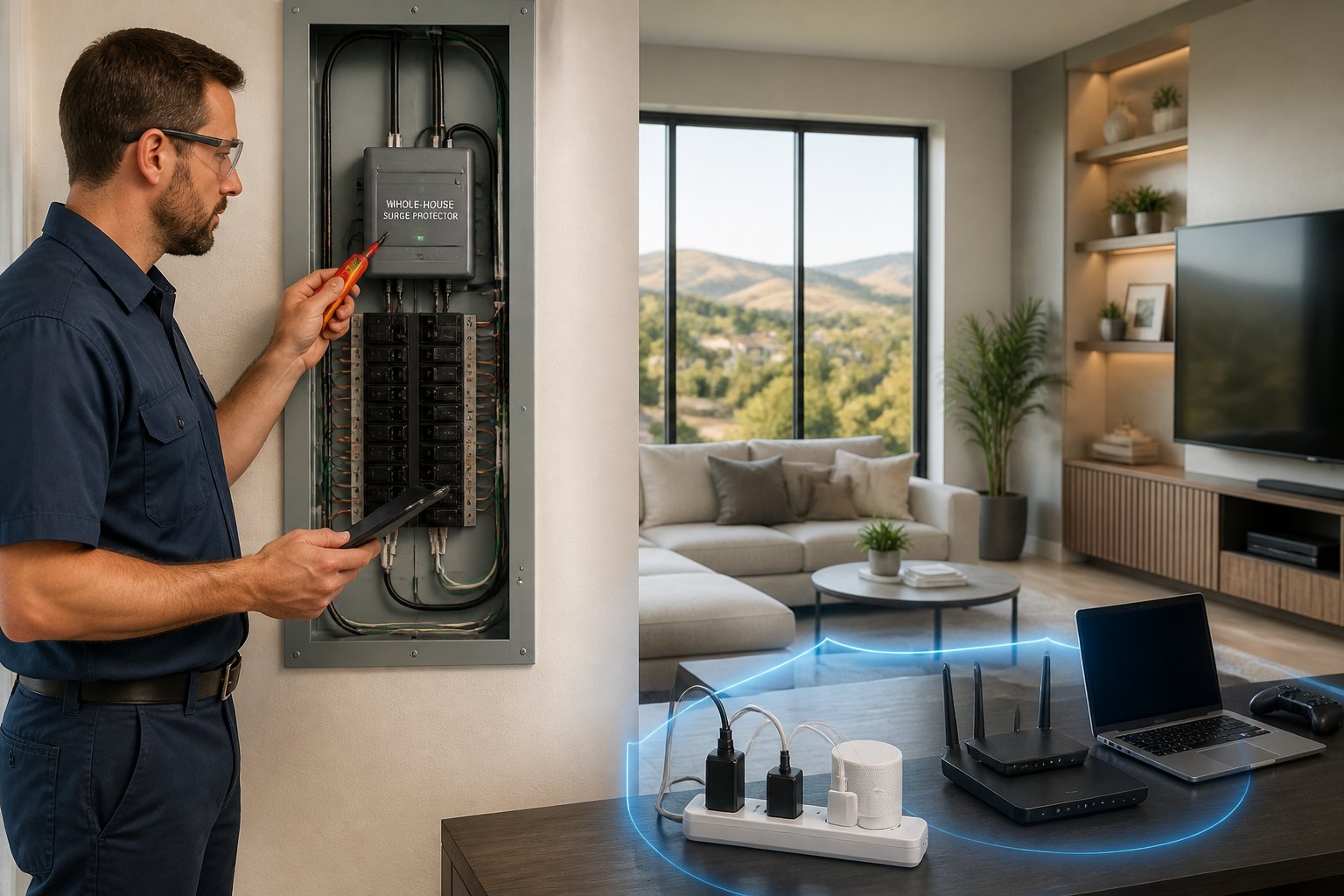
Not all surge protectors are created equal. Look for real surge protection with a decent joule rating for the value of your gear. Indicator lights help you know if it’s still working.
Don’t trust a plain strip to protect computers, routers, or a home server. Power surges and spikes can fry equipment, especially during storms or utility events.
Use A UPS For Backup Power During Outages
An uninterruptible power supply (UPS) keeps your computer and network gear running long enough to save work and shut down safely. That’s handy if outages or quick interruptions are common in your area.
A UPS isn’t the same as a surge protector, so most people use both. That way, you get surge protection and short-term backup for what matters most.
Avoid Common Cord And Power Strip Mistakes
Don’t daisy-chain power strips, cover cords with rugs, or cram too many devices into one outlet. Those habits can cause tripping hazards and overheating.
If you need more plugs than one outlet can safely support, it’s time to rethink the setup. In certain spots, a ground fault circuit interrupter (GFCI) can also be a good idea—a licensed electrician can help you figure out what fits.
Improve Lighting, Comfort, And Day-To-Day Productivity
Lighting makes a huge difference in how long you can work comfortably and how your eyes feel at the end of the day. The right mix of ambient and task lighting can make your office feel brighter, calmer, and just more pleasant.
Layer Ambient Lighting And Task Lighting
Ambient lighting gives the room its base glow; task lighting focuses on the desk. A desk lamp helps fill in shadows and makes reading or typing easier.
When those layers work together, your office feels less harsh and more balanced. That’s especially helpful in rooms with little natural light, finished basements, or converted spaces in places like Carmichael, Natomas, or Auburn.
Use LED Bulbs And Smart Lighting For Efficiency
LED bulbs cut energy use and last way longer than old-school bulbs. Smart lighting and automation let you tweak brightness for work, calls, or evening tasks without much effort.
Smart plugs are a simple way to add control without a big remodel. If you want a modern, efficient office, this is one of the easiest upgrades to try.
Reduce Eye Strain With Better Placement And Brightness
Eye strain usually comes from glare, bad lamp placement, or lighting that’s too harsh or too dim. Place lamps so they light your work surface, not your eyes or monitor.
If you’re at a computer all day, a few lighting tweaks can make a surprising difference. Better placement and brightness can help you stay focused and comfortable for longer stretches.
Know What Requires A Pro And What To Budget For
Some upgrades are simple, others need a licensed electrician and real permits. A safe plan should account for building codes, long-term reliability, and the cost of doing things right.
Understand Permits Building Codes And Safety Codes
Electrical work has to meet local building and safety codes—especially when you’re adding outlets, new circuits, or a panel upgrade. Permits might be required depending on the job.
A proper inspection confirms the finished work is safe and up to code. That protects your home and helps avoid headaches if you sell or remodel later.
Know Which Upgrades Need Licensed Electrical Services
Anything involving a dedicated circuit, panel upgrade, rewiring, or adding a bunch of outlets should go to licensed electricians. Same goes for bigger jobs like generator installation, EV chargers, or solar electrical work.
You might also want help with raceways, cable trays, desk grommets, and cable ties if you want a clean finish. AAA Electrical Services can help sort out the practical side without upselling you.
Plan For Long-Term Reliability Rather Than Quick Fixes
It’s tempting to slap on a quick fix when you need the office ready fast, but that usually causes more trouble down the line. A better plan gives you reliable power, cleaner cables, and easier maintenance later.
If your home office is part of a bigger upgrade plan, think ahead about electrical work that could help with other needs in the future. That approach saves you disruption and stress later.
Frequently Asked Questions
How can I tell if my home office circuits can handle added computers, monitors, and peripherals?
If your circuit runs your current gear without breaker trips, warm outlets, or flickering lights, you’re probably okay for now. But if you’re adding a lot—like multiple monitors, printers, or networking stuff—it’s smart to have a licensed electrician check the load before plugging everything in.
What should I consider before upgrading or replacing my electrical panel for a home office?
Look at your current capacity, the panel’s age, and whether you’ll want new circuits later. A panel upgrade is often worth it if you’re building a more advanced workspace or adding other big electrical loads at home.
Is older wiring in my house safe for modern home office power demands?
Older wiring might still work, but it may not be ideal for modern devices and long hours. If you notice warm outlets, breaker trips, or other electrical issues, it’s best to schedule an inspection before relying on that circuit every day.
How many outlets do I need, and where should they be placed for a safe and convenient workspace?
You need enough outlets for your setup without resorting to extension cords or overloaded strips. Put them near the desk, printer, and networking gear so cords stay short, tidy, and out of your way.
When should I use a dedicated circuit for my home office equipment?
A dedicated circuit makes sense if you’ve got heavy-use gear, a space heater, or lots of devices running at once. It’s also a smart move if you want better reliability and fewer nuisance breaker trips.
Do I need surge protection or a UPS to protect my home office electronics?
If you’ve got computers, routers, or other sensitive gear, it’s honestly wise to get some surge protection. Power spikes are more common than you’d think, and they can fry your stuff in an instant. A UPS—uninterruptible power supply—steps things up by giving you a few minutes of backup power during short blackouts. That way, you can save your work or shut everything down without panicking.